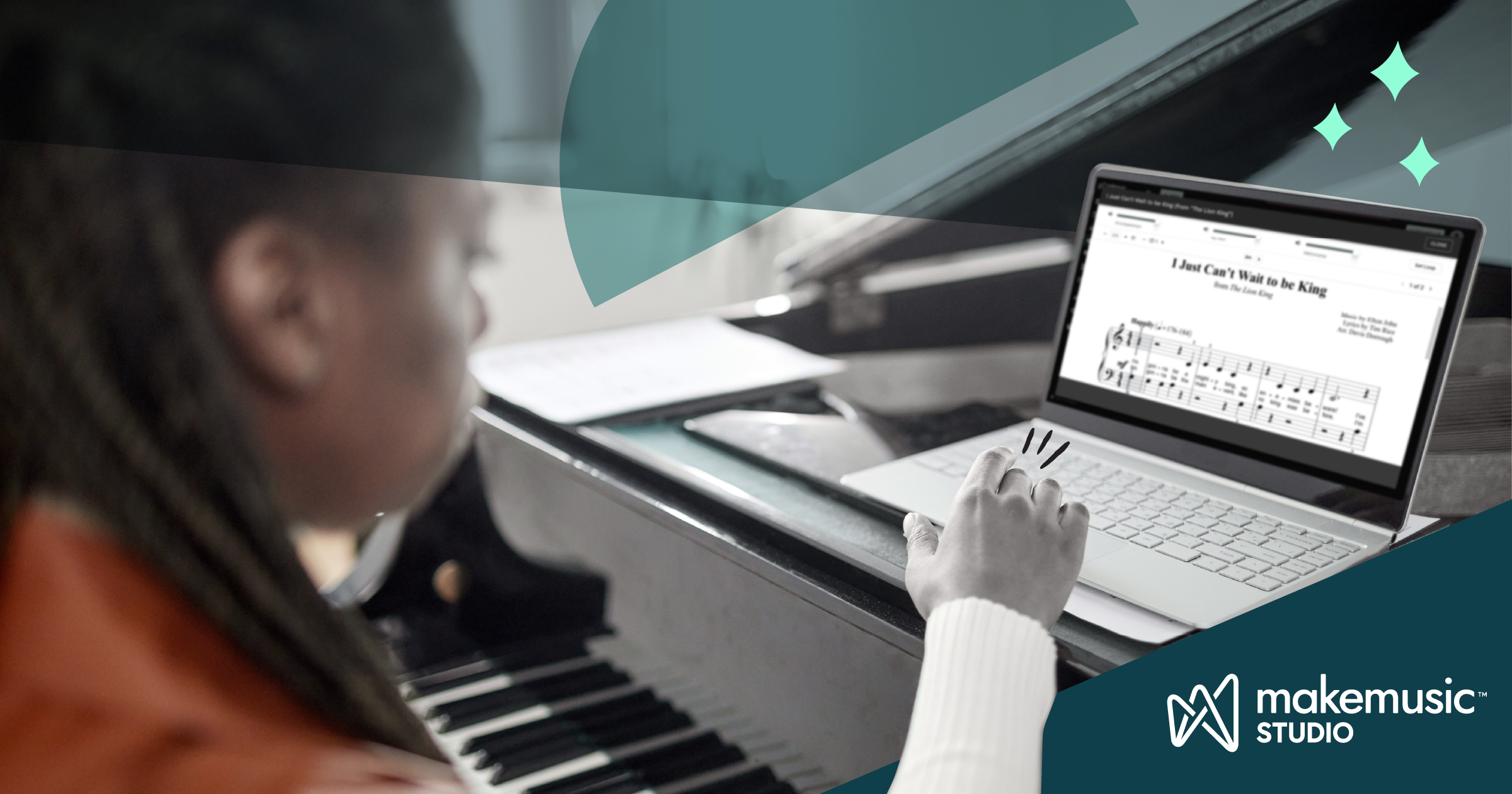
From its inception, Alfred’s Basic Piano Library was created to be flexible and customizable. We understand that no two piano students have exactly the same needs. Alfred’s Basic Piano Library was built with a vast selection of correlated supplementary books to help teachers design a curriculum to meet the needs of each of their students individually.
With Alfred’s Basic Piano Library Level 1A – Studio Edition we are taking that concept to the next level! Additional exercises, performance pieces, and popular arrangements are built right in to the sequence, making it easier than ever to add in extra practice or special treats as students work their way through the method book.
What is Alfred’s Basic Piano Library Level 1A – Studio Edition?
Studio Edition is the Alfred’s Basic Piano Library, Lesson Book 1A you love with even more features and content. Exclusively in MakeMusic Studio, you get access to:
All New Backing Tracks
The backing tracks for each piece have been completely modernized. Gone are the retro 80s MIDI tracks. These new accompaniments are fully orchestrated to help students with musical interpretation and rhythmic stability.
Interactive Practice Tools
In MakeMusic Studio, you can adjust the tempo of any piece with minimal sound-quality interference. Give students a tempo range for home practice, starting slow and gradually working their way up.
Teach students to isolate challenging parts of their music with the looping tool. When you introduce hands-together playing in “Rockets,” loop measures 3 & 4 and have students practice just that part over and over. You can even set the tempo to gradually increase on each repetition!
Extra Practice Built Right In
Certain Foundations exercises, performance pieces, and popular songs have been integrated into the sequence to make it easy for you to know when to use them.
Practice C Position Notes with Super Mario Bros. after “A Happy Song.”
Play the Minecraft theme after “Play a Fourth.”
Sample Lesson Plan
So what does all of this look like in practice?
Here’s how you can use Alfred’s Basic Piano Library Lesson Book 1A – Studio Edition in MakeMusic Studio with a student who has recently learned about the interval of a 4th and the piece “Play a Fourth” on page 44 of Alfred’s Basic Piano Library, Lesson Book 1A.
Warm-Up/Technique
Introduce “ABPL Foundations – 4ths WELCOME CHRISTMAS (from “How the Grinch Stole Christmas”).
- Have your student locate the 4ths in the exercise.
- Review the technique needed to play the slurs (rocking the hand to transfer arm weight from one note to the next, a gentle wrist roll at the end)
- Start at a slower tempo (maybe 72 BPM) and help the student work their way up to the suggested 90 BPM.
New Piece
After reviewing “Play a Fourth,” if your student is ready to move on to a new piece, introduce “July the Fourth” on page 45 of their book.
- Have the student locate and mark all of the fourths in the piece.
- Guide your student in playing through the piece once or twice from the book.
- Show your student how to practice the piece with the interactive tools. Help them try a few different tempos, loop tricky sections, etc.
Performance Piece
If they’re ready for a little bit more, have your student try “What It Sounds Like.”
- Help them find the new position for the left hand (finger 3 on A).
- Ask them to find the 4th on page 2.
- Have them explain to you how the repeat works.
- This piece moves fast! Have them sight read through it at half-tempo (106 BPM).
Home Practice Guidance
Share all of the new pieces and exercises with your student, and give them detailed notes on how to use the interactive tools in MakeMusic Studio to help with their practice.
Walking your student through how to practice during the lesson is the best way to ensure that they will know what they’re doing when they get home and be able to make the most of the interactive tools and backing tracks.
The philosophy behind Alfred’s Basic Piano Library has always been to provide resources for piano teachers and students that make it easy for anyone to succeed at learning to play the piano. By adding these new tools to your toolbox, there are now even more ways to create a custom experience to keep each student engaged, practicing, and progressing.