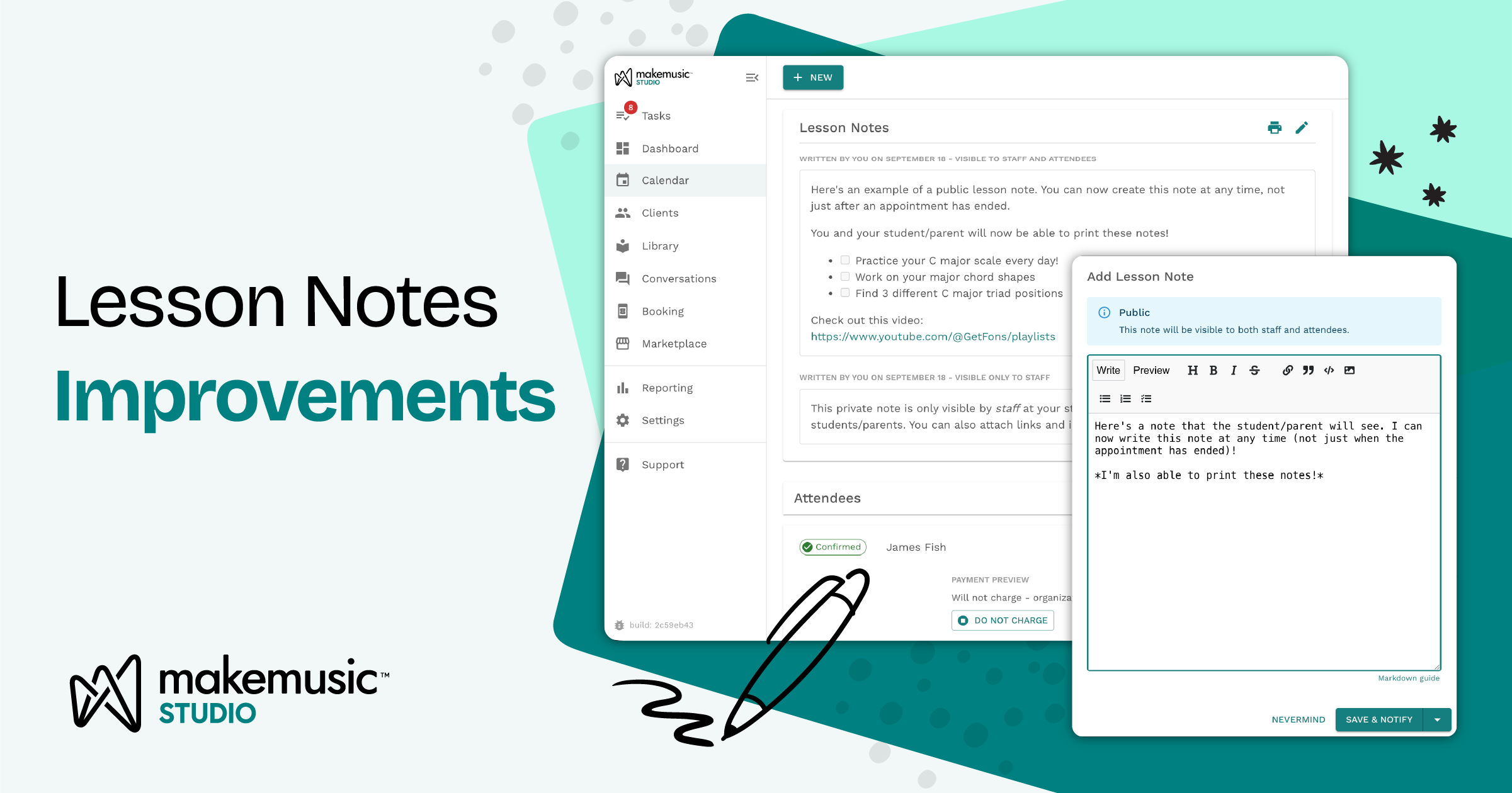
Every private teacher knows this moment. The lesson ends, the student packs up, and the one thing you most wanted them to remember (“slow down in measure 12,” “hands separately on the G major scale”) walks out the door with them. Maybe it sticks. Maybe it doesn’t.
Improved Lesson Notes and Client Notes in MakeMusic Studio are built for that moment. They give you one home for everything you want to remember, share, and follow up on, right where you already schedule and run your studio.
Lesson notes students and parents actually see
Lesson Notes, formerly called “appointment follow-ups,” attach to each lesson. Write a public note that recaps what you covered and what to practice this week. MakeMusic Studio can then let your student or their parent know it’s ready. The note also appears in your message thread with them, so the practice plan sits next to the rest of your conversation instead of getting buried in an inbox.
Parents of young students will especially appreciate this. Instead of asking a seven-year-old “what did you learn today?”, they can read exactly what you recommended and help at home.
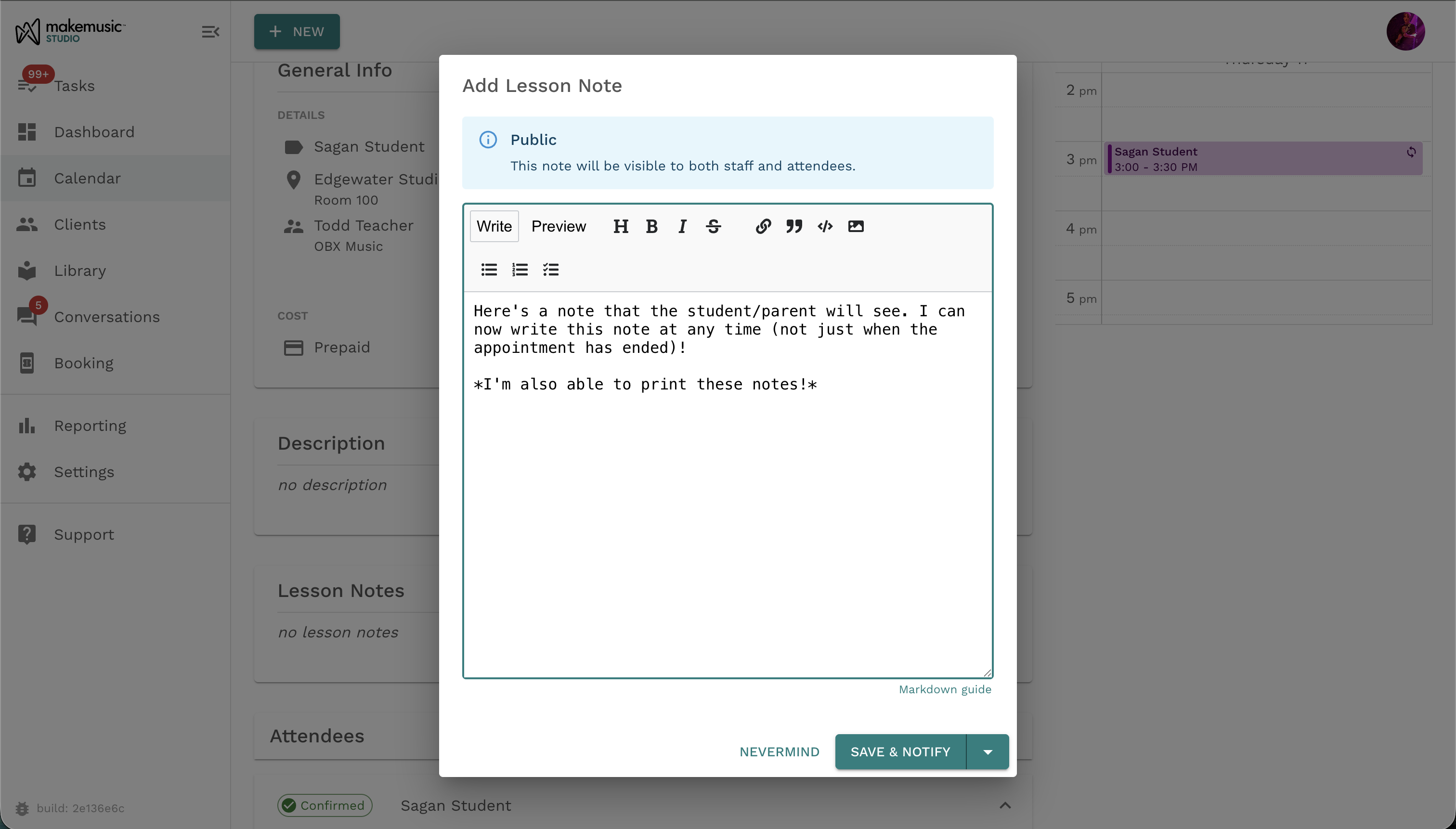
Private notes just for you and your team
Not everything belongs in a parent’s inbox. Each lesson can also have a private note, visible only to you and the staff on that appointment. Use it for honest observations like “rushes when nervous” or “almost ready for the next book,” so you can pick up right where you left off.
You can also write notes before a lesson, so they double as a lesson plan. Sketch your goals ahead of time, then fill in how it went afterward.
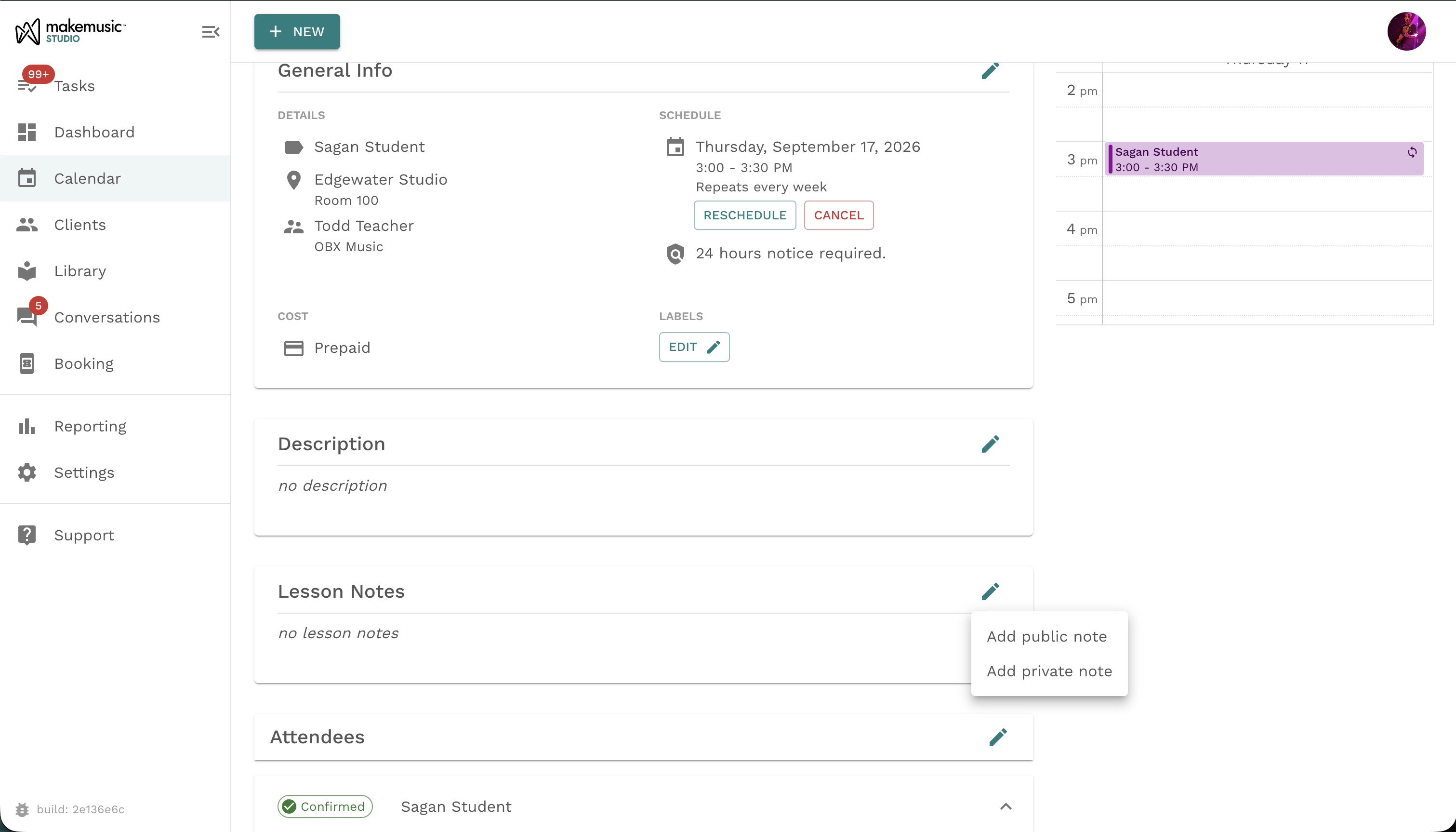
Print your lesson notes
You can print any lesson note as a clean PDF branded with your studio, perfect for sending home in a student’s binder so their practice plan is easily accessible. Notes also support rich formatting, so you can bold key reminders, link to a recording, add images, or build a simple practice chart.
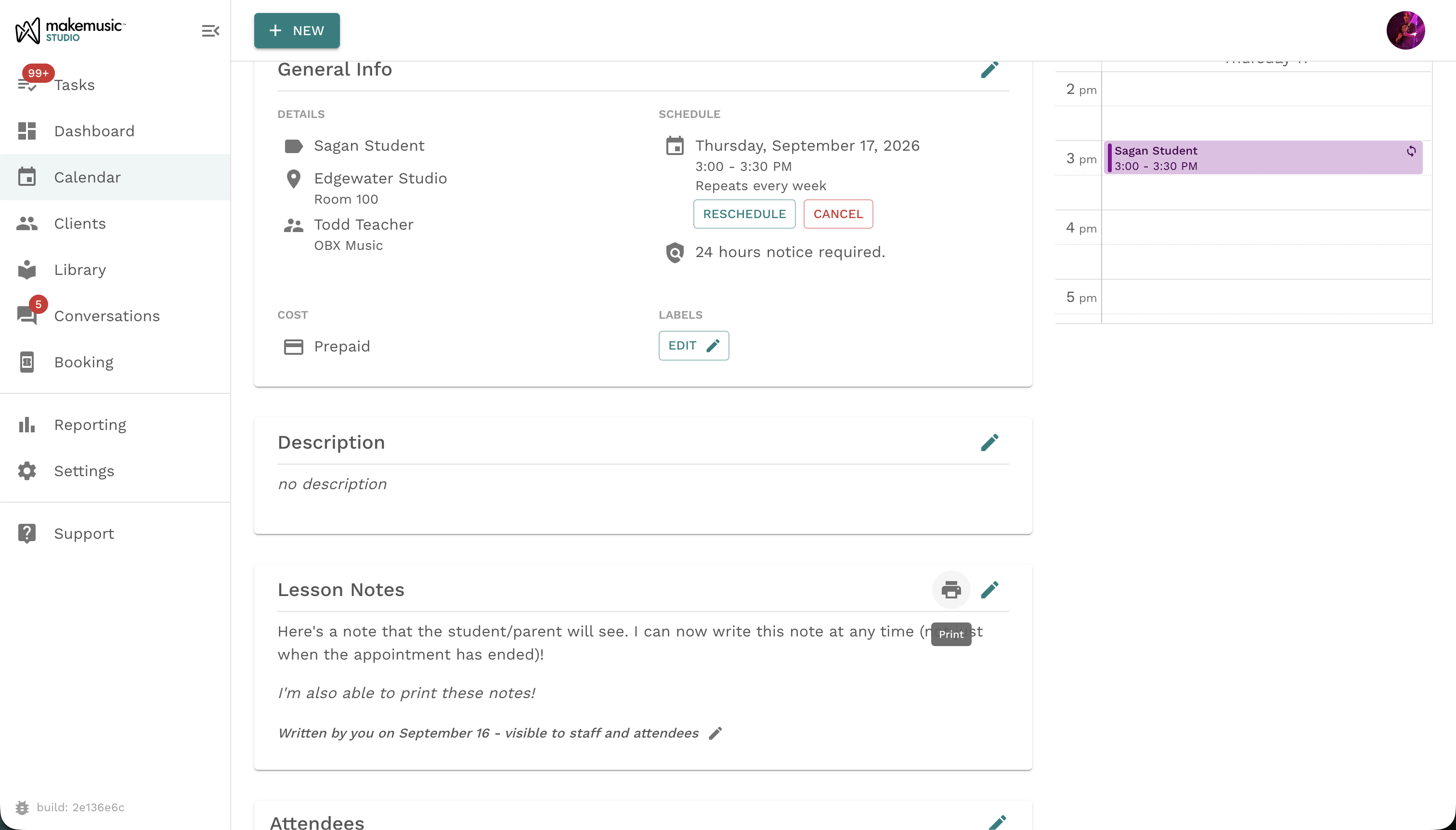
Client notes that follow the student
Client Notes capture the bigger picture: goals, learning preferences, who handles pickup, or an upcoming audition. They live on the student’s profile and appear automatically in every lesson that student attends, so the details you need are always in front of you. Client notes stay internal. Every staff member can add to them and read them, which makes them invaluable for multi-teacher studios and substitute coverage.
More music, less memory work
Great teaching depends on continuity: remembering what happened last week and making sure students practice the right things this week. With Lesson Notes and Client Notes, that continuity is built into MakeMusic Studio. You spend less time keeping track and more time teaching.
Ready to try it? Open any upcoming lesson, scroll to Lesson Notes, and start writing.
But that’s not all….
This is just the first round of improvements we’re making to the lesson notes experience in MakeMusic Studio.
- New aggregated view of all lesson notes by student for easy review of all past notes
- Copy notes from one lesson to another
- Ability to record and transcribe your notes automatically
Want to help us shape the future of MakeMusic Studio? Join our testing group to make sure your voice is heard